Load GLB characters
Bring in Blender-exported characters with textures, armatures, materials, and shape keys.
 Dummy MotionStudio
Desktop animation studio for creator workflows
Import unlimited textured GLB characters, build unlimited scenes, key cameras, layer overlays, add audio, and export videos built for YouTube, TikTok, Shorts, Reels, and game-style content.
Build the shot
Studio is shaped for people who want to make character videos quickly without fighting a full animation suite every time they need a pose, scene, camera move, or vertical export.
Bring in Blender-exported characters with textures, armatures, materials, and shape keys.
Select body parts, transform them, save poses, and drop keyframes directly onto the timeline.
Add camera keys, lighting, overlays, VFX, text, images, transitions, and synced audio.
From model to post
 Import
Drop in unlimited characters, props, skydomes, ground textures, and saved scene files.
 Animate
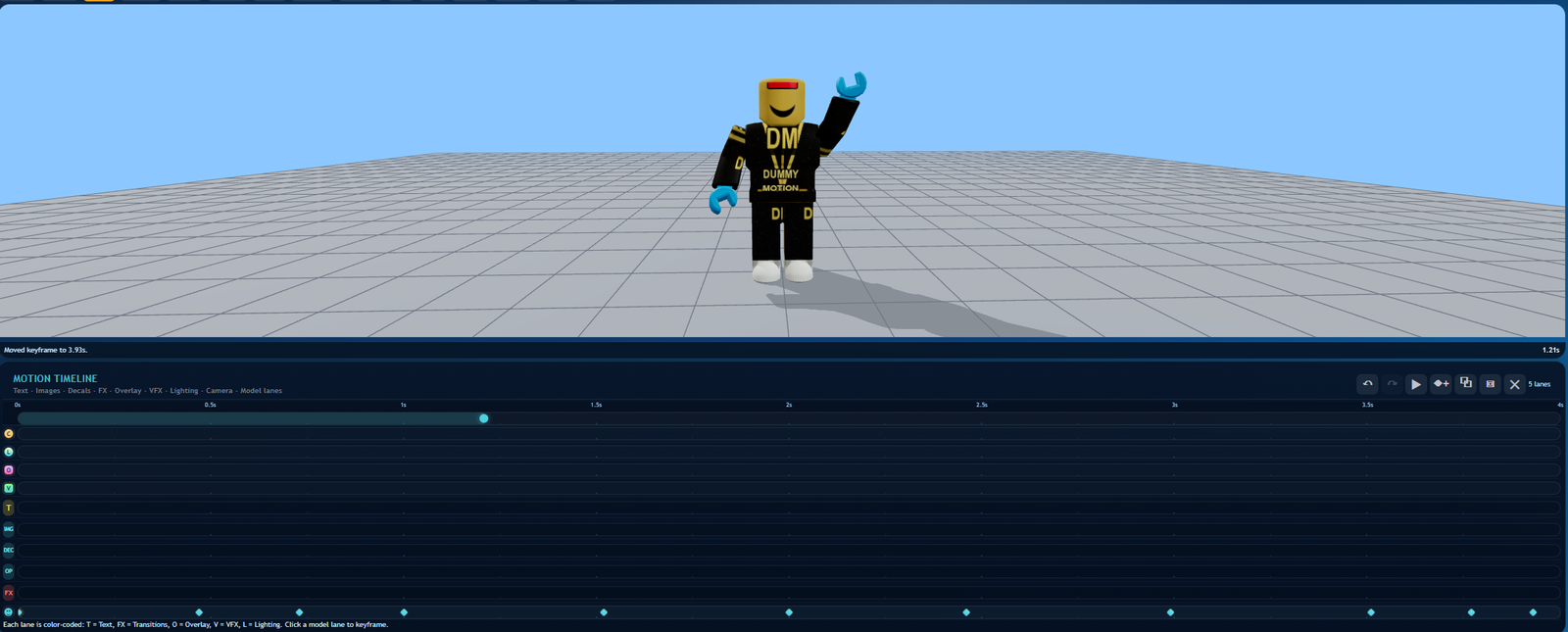
Use transform handles, motion packs, camera follow, and timeline lanes to build the performance.
 Style
Style
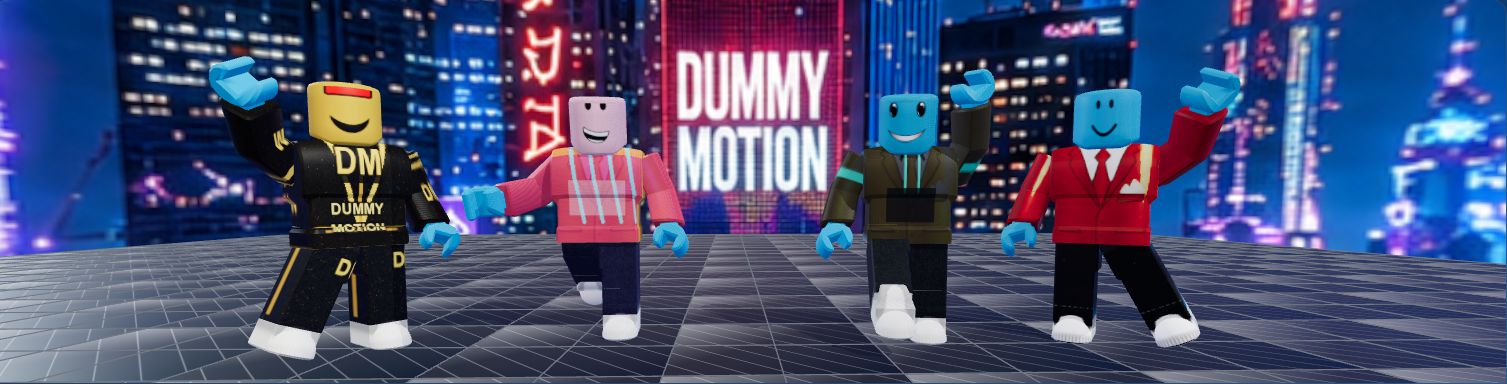
Push the shot with lighting presets, overlays, keyed textures, text, image layers, and VFX.
 Export
Render PNGs, WebM video, and vertical 9:16 content for short-form promotion.
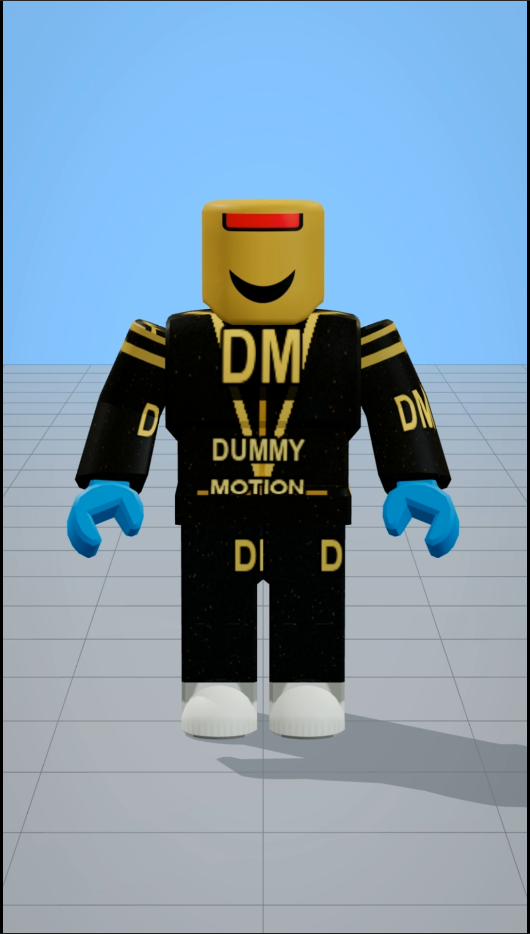 9:16
9:16
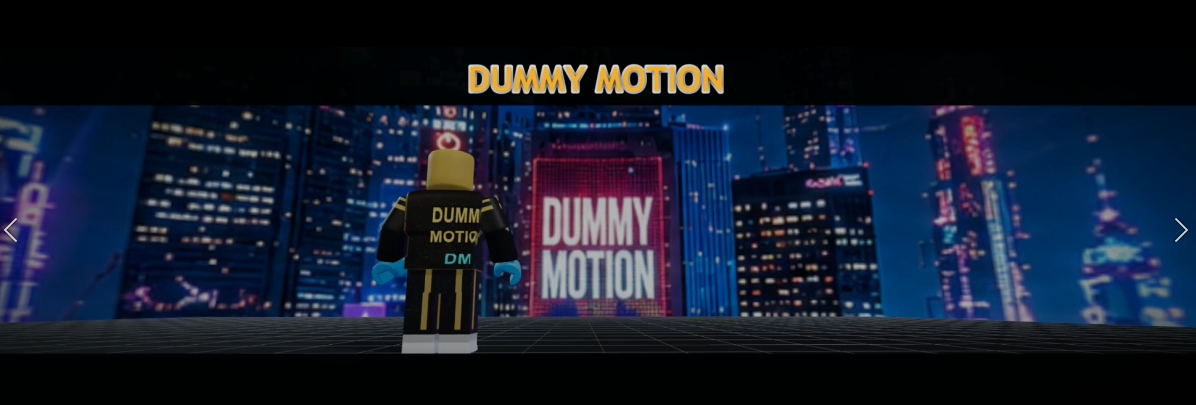 Scene
Scene
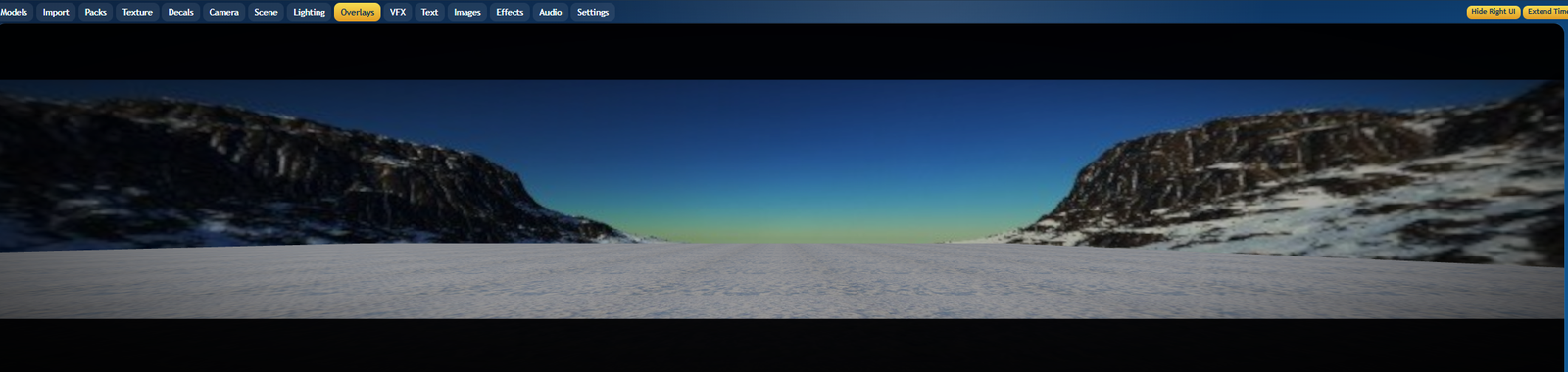 Overlay
Market-ready output
Dummy Motion Studio is for creator pipelines: faster character blocking, brighter product shots, stronger camera movement, unlimited characters and props, and exports that already know where the content is going.
Lifetime user library
Paid lifetime users can grab Studio installers, motion packs, model bundles, sample scenes, and bonus files as the library grows.
Reusable poses, walks, action clips, camera setups, and scene bundles for faster shots.
Open PacksGLB characters, prop packs, skydomes, environments, and textured model bundles.
Open ModelsSample scenes, starter textures, demo packs, and promotional extras.
Open Free StuffLifetime users receive current Studio downloads and future release updates from the customer area.
Get StudioLearn the workflow
Follow Dummy Motion Studio tutorials on YouTube for import setup, posing, camera keys, overlays, exports, and release updates.
Watch on YouTubeReady to package
Buy lifetime Studio access once, then download the latest Windows and macOS builds from the customer area.
Windows 10 or 11, 64-bit Intel/AMD processor, 8 GB RAM minimum, dedicated GPU recommended for larger scenes.
macOS 12 Monterey or newer, Intel Core i5 or better, 8 GB RAM minimum, dedicated GPU recommended.
macOS 12 Monterey or newer, Apple Silicon processor, 8 GB unified memory minimum, 16 GB recommended.